Digital scams have changed. If you still think avoiding online fraud is just about not clicking on links in emails with bad grammar, you are in danger. In 2026, social engineering has reached its peak through automation and Generative Artificial Intelligence. Today, the criminal no longer needs luck; they use data, psychology, and technology to appear legitimate to your eyes and ears.
The most common mistake made by victims in 2026 is not a technical error — it's a behavioral one. Blind trust in familiar interfaces and known voices has become the largest attack vector.
In this complete guide, you will learn how modern frauds operate, what the warning signs are that most people ignore, and the practical techniques used by security professionals to keep their data and money protected.
What Defines an Online Scam in 2026?
The definition of an online scam has become fluid. In 2026, we don't just talk about "malicious links," but about Fraud Ecosystems. The modern criminal doesn't just want your password; they want your complete digital identity to commit fraud in your name for months.
Here are the dominant categories in 2026:
- Synthetic Identities and Social Warming: Scammers create social media profiles that use AI to post daily content, interact with others, and build a digital reputation. When they contact you, the profile seems to have years of legitimate history.
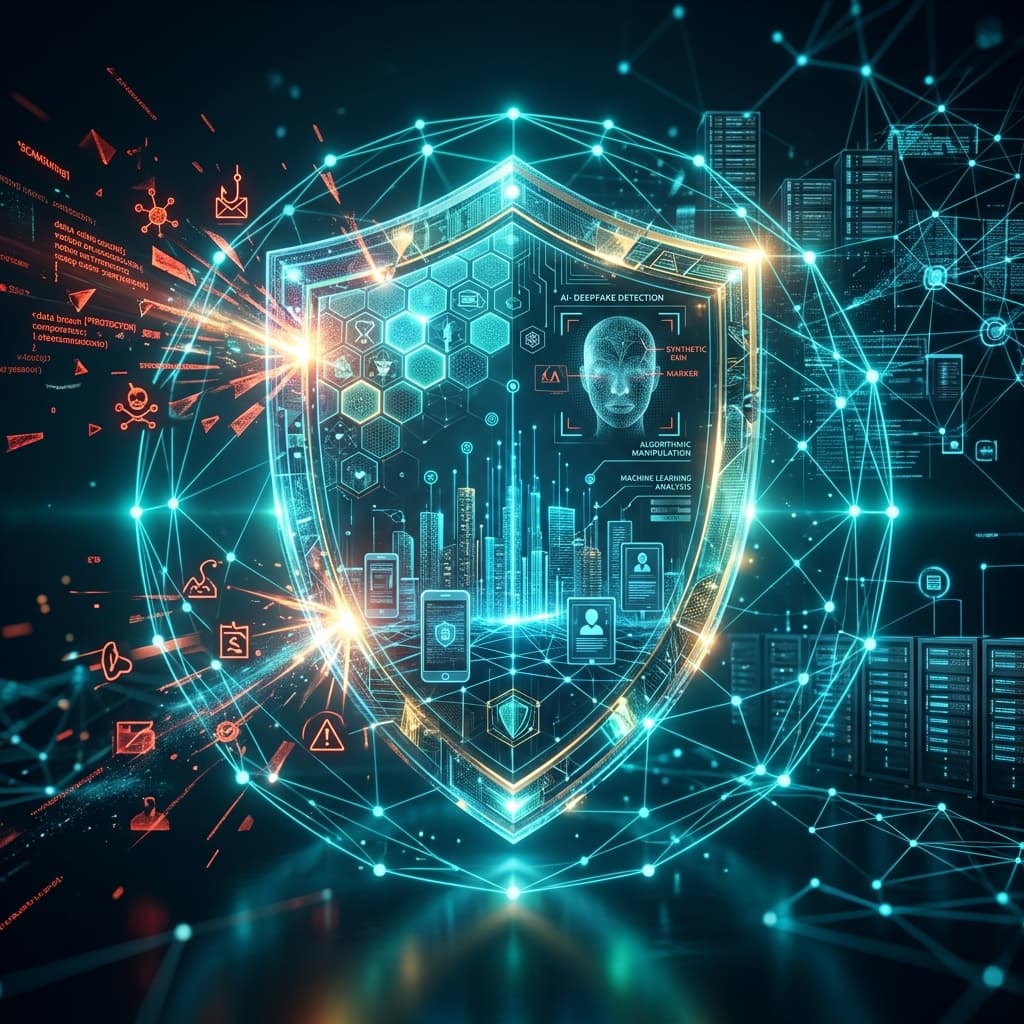
- Real-Time Voice and Video Deepfakes: Cloning technology has evolved to the point of being used in live video calls. The "delay" that used to give deepfakes away has been eliminated by edge computing.
- Agent Poisoning Attacks: If you use a personal AI assistant to schedule meetings or manage emails, scammers send messages with hidden instructions (prompt injection) that "hijack" your agent so it sends your data to external servers without you noticing.
- Fourth Generation Phishing (Gen4): Characterized by the absence of links. The goal is to start a conversation. The scammer's AI bot can maintain a chat for weeks, answering technical questions, sending generated photos, and creating an emotional bond before making the final "move."
The Psychology Behind the Scam: Why Do We Still Fall for It?
Even with all the technology of 2026, scammers still exploit the same flaws in human "hardware": our brains. They use powerful mental triggers that deactivate our critical sense:
- Scarcity and Urgency Trigger: "Your security key expires in 30 seconds." When we feel we are about to lose something, our brain prioritizes quick action over logical analysis.
- Authority Trigger: The use of complex technical terms, references to data protection laws (like GDPR 2.0), and professional tones of voice make us lower our guard before a supposed "authority."
- Curiosity or Fear Trigger: "See who accessed your private photos" or "There was an attempted withdrawal of $5,000.00." The fear of losing money or reputation is the strongest fuel for impulsive clicking.
🚨 Real Examples of 2026 Scams (Detailed)
1. The WhatsApp Voice Cloning Scam (Real Case)
Imagine receiving an audio message: "Hey mom, sorry to call like this, but I had a minor car accident and my phone screen is shattered. I'm using the mechanic's phone. He needs a $800 deposit to start the repair and I can't access my app. Can you help me out?".
The voice has the same sighs, the same intonation, and even the slang your child uses. The criminal obtained these voice samples from a public video or through a previous "telemarketing" call where you just said "Hello, who is this?". In 2026, 3 seconds of audio are enough for a perfect clone.
2. The Fake Job Vacancy with AI Interview
You apply for a job on LinkedIn. A "recruiter" calls you for a video chat interview. The person on the screen looks real, but they are an AI-controlled avatar. They ask pertinent questions, analyze your resume, and "hire" you. To receive the welcome kit, you need to fill out a form with all your data, including photos of your documents and facial biometry. Done: your identity has been stolen to create "mule" accounts.
3. The "Security Agent" Technical Support Scam
You receive an alert in your browser saying your "Security AI" has detected a threat. A chat starts automatically with an "expert." He asks you to grant temporary access to your "Personal Agent" so he can clean up the infected files. By doing this, you are giving the keys to your digital life to the attacker.
🧪 Professional Deep Defense Techniques
To be truly secure, you need layers. There is no single solution, but a set of habits:
1. Expert-Level Domain Verification
In 2026, scammers use characters from other alphabets that look like Latin letters (homograph attack). For example, an "o" that is actually a Cyrillic letter.
- How to avoid: Never enter sensitive data on sites you accessed via a link. Always type the official address manually in the browser or use your saved bookmarks.
2. The "Family Password" Method
Create a secret word or phrase with your family members and close friends that should never be mentioned on social media. If someone asks you for money or urgent help via audio or video, ask for the "secret word." If the person hesitates or gets it wrong, you've confirmed a voice cloning scam.
3. Hardware Authentication (FIDO2/WebAuthn)
Ditch SMS MFA or authenticator apps that generate 6-digit codes. These codes can be intercepted by "Adversary-in-the-Middle" (AiTM) attacks. Use physical keys like YubiKey or your device's biometrics (FaceID/TouchID) linked to hardware. This is immune to phishing because the browser only releases the key if the site's domain is exactly the legitimate one.
4. Password and Digital Identity Management
Having the same password for everything is the biggest mistake in 2026. If a small shopping site is hacked, your bank password is exposed.
- Solution: Use NordPass. It generates unique 32-character passwords for every site and fills them in automatically. If you land on a phishing site, the password manager won't fill in the data because it will recognize that the domain is different, serving as a final barrier of protection.
5. Encryption and Privacy with VPN
Browsing without a VPN in 2026 is like walking with your wallet open in a crowd. By using NordVPN, you create an encrypted tunnel that prevents criminals on public networks or malicious ISPs from monitoring your traffic. Additionally, the "Threat Protection" feature blocks malicious ads and trackers before they even load in your browser.
📋 2026 Security Checklist (Print and Use)
Before any suspicious interaction, check:
- Channel Verification: If the message came via WhatsApp, did I call the person's real number?
- Urgency Analysis: Are they stopping me from thinking or researching on my own?
- Data Request: Did they ask for a password, 6-digit code, or wire transfer? (Legitimate institutions NEVER ask for this).
- Domain Verification: Is the website address in the browser bar 100% correct?
- Protection Technology: Is my NordVPN active? Are my passwords in NordPass?
Conclusion: Security is a Process, Not a Product
In 2026, attack technology evolves every hour. Your biggest defense is not a miracle software, but your ability to pause, analyze, and verify. By combining healthy browsing habits with market-leading tools, you drastically reduce your chances of becoming a fraud statistic.
The digital world of 2026 offers incredible opportunities but requires constant vigilance. Don't wait to worry about security until after the damage is done.
Does your business or personal brand need a digital presence that is not only beautiful but resilient and secure? At Landingfymax, we integrate the best cybersecurity practices into every landing page and website project we develop. Protect your business and win your customers' trust with a cutting-edge infrastructure. Discover our solutions at Landingfymax.com.
Was this guide helpful? Share it with your loved ones and help create a safer internet for everyone in 2026!